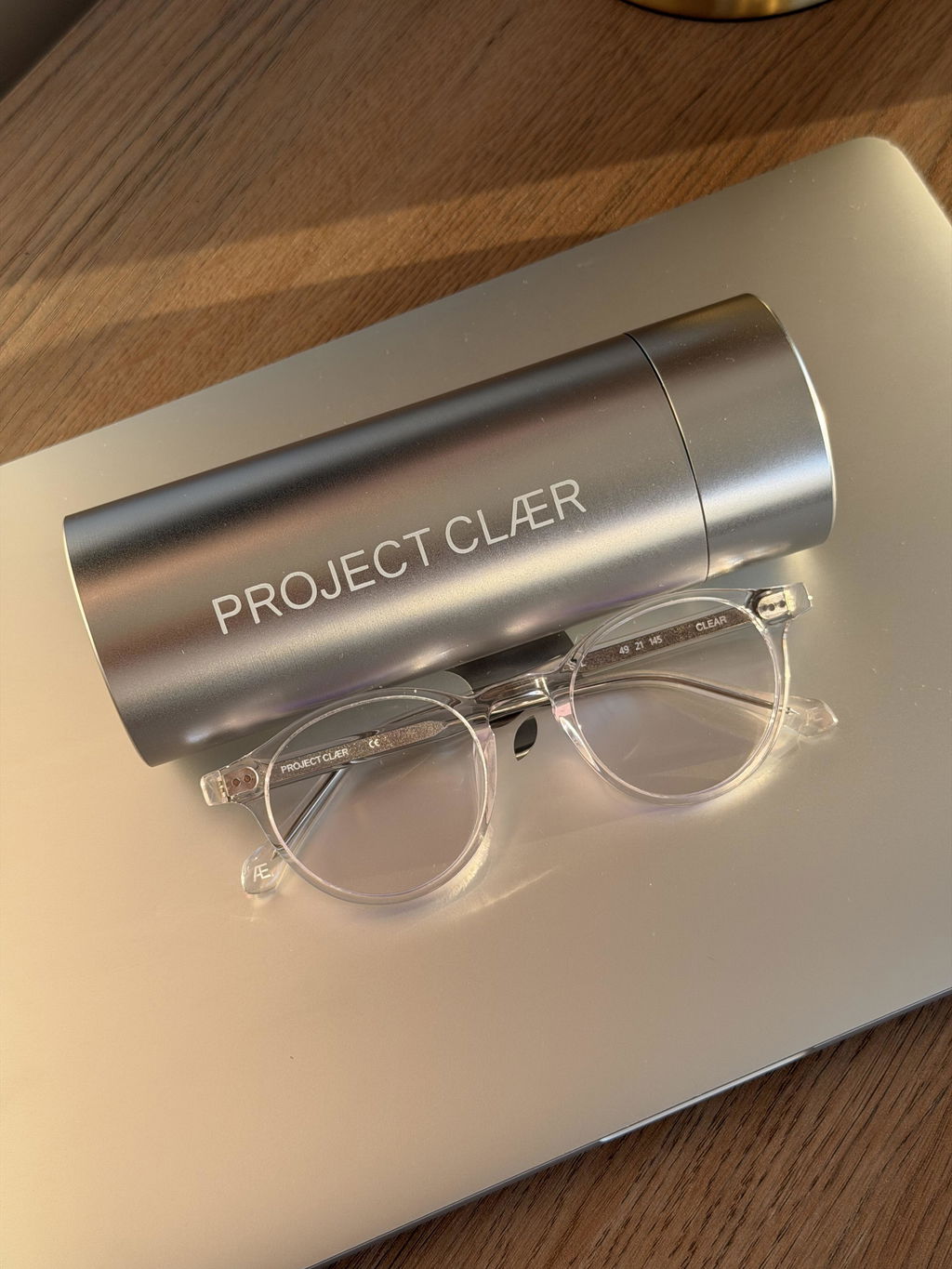
If your workday lives inside Figma, Adobe Creative Cloud, browser tabs and design systems, choosing blue light glasses is a little different from choosing them for general screen use.
The issue is not simply whether a lens filters blue-violet light. It is whether you can keep working without the lens noticeably changing the way your interface, brand colours, neutrals and visual hierarchy look on screen.
For UI and UX designers, that makes colour shift, lens clarity, reflections, fit and frame comfort just as important as any filtration claim.
Why UI and UX designers need a different kind of screen glass
A typical product designer can move from wireframes to polished interface work in the same hour. You may be checking neutral greys, contrast states, blue links, error colours, gradients and brand tokens while also sitting in front of a screen for most of the day.
A visibly yellow or amber lens changes that viewing environment. Whites can look warmer, cool greys can shift, and blues can appear muted. That may be perfectly acceptable for evening browsing or non-colour-sensitive tasks, but it can be a poor match when your work depends on judging what the screen actually looks like.
FOR FIGMA, UI & UX WORK
Colour accuracy matters when the screen is the work.
Explore blue-light glasses designed for screen-heavy creative work without the heavy yellow cast common to more visibly tinted lenses.
What to look for in blue light glasses for Figma work
1. Check the tint against a real interface
Do not judge the lens only against a white wall. Open a real design file. Look at cool greys, white backgrounds, blue components, subtle borders and skin tones if your product includes photography.
If the entire interface visibly shifts warmer, that is useful information. The lens may still be a good option for some tasks, but it may not be the right one for colour-sensitive interface work.
2. Ask for actual lens test data
“Blue light blocking” is too broad to tell you much on its own. Different lenses filter different parts of the visible spectrum, at different strengths.
A spectral transmittance report is more useful because it shows what wavelengths pass through the lens and by how much. If colour accuracy matters to your work, it is worth looking for a brand that publishes this data rather than relying only on a percentage in an ad.
PROJECT CLÆR publishes the tested CLÆR SPECTRUM™ curve on our Technology page. If you want the deeper explanation first, our guide to reading a blue-light lens test report breaks down what the graph actually means.
3. Pay attention to reflections on video calls
Designers do not spend all day heads-down in Figma. There are stand-ups, client reviews, user-research calls and workshops.
A clean anti-reflective treatment matters because distracting reflections can be more noticeable when a screen is directly in front of you. The best test is simple: wear the glasses during a normal video call and see how they behave in your actual setup.
4. Treat comfort as part of the specification
A frame can look right and still be wrong for an eight-hour workday. Check lens width, bridge width and temple length against a pair you already know fits you. Pay attention to pressure at the bridge and behind the ears after an hour, not only in the first minute.
Acetate frames can also be adjusted by an optician, which can help fine-tune fit when the frame shape is right but the alignment is not quite perfect.
Yellow lenses vs clearer-looking lenses for designers
Yellow and amber lenses are not “bad” blue light glasses. They are simply built for a different trade-off.
A stronger visible tint generally means a more obvious change to the colours you see through the lens. For someone reading, gaming at night or using a screen where colour accuracy is not important, that may be completely acceptable.
For a UI designer comparing subtle surface colours or a brand designer checking whether two blues are actually the same blue, the colour shift itself can become the problem.
That is why many designers prefer a clearer-looking lens for daytime creative work. You can read more about this difference in our guide to how blue light glasses can change screen colours.
If your work also moves into photography, our guide to lens tint and photo editing looks at white balance, skin tones and colour-sensitive photo work.
Do blue light glasses make sense for Figma designers?
They can, if you choose them around the way you actually work.
If your priority is preserving a more natural-looking screen while wearing glasses through long creative sessions, focus less on dramatic “blocking” claims and more on the lens data, visible tint, optical clarity, reflections and fit.
That is the design brief behind PROJECT CLÆR: eyewear for people whose work happens on screens, but who do not want their glasses to look or feel like a piece of tech.
CHOOSE YOUR FRAME
Three silhouettes. One lens system.
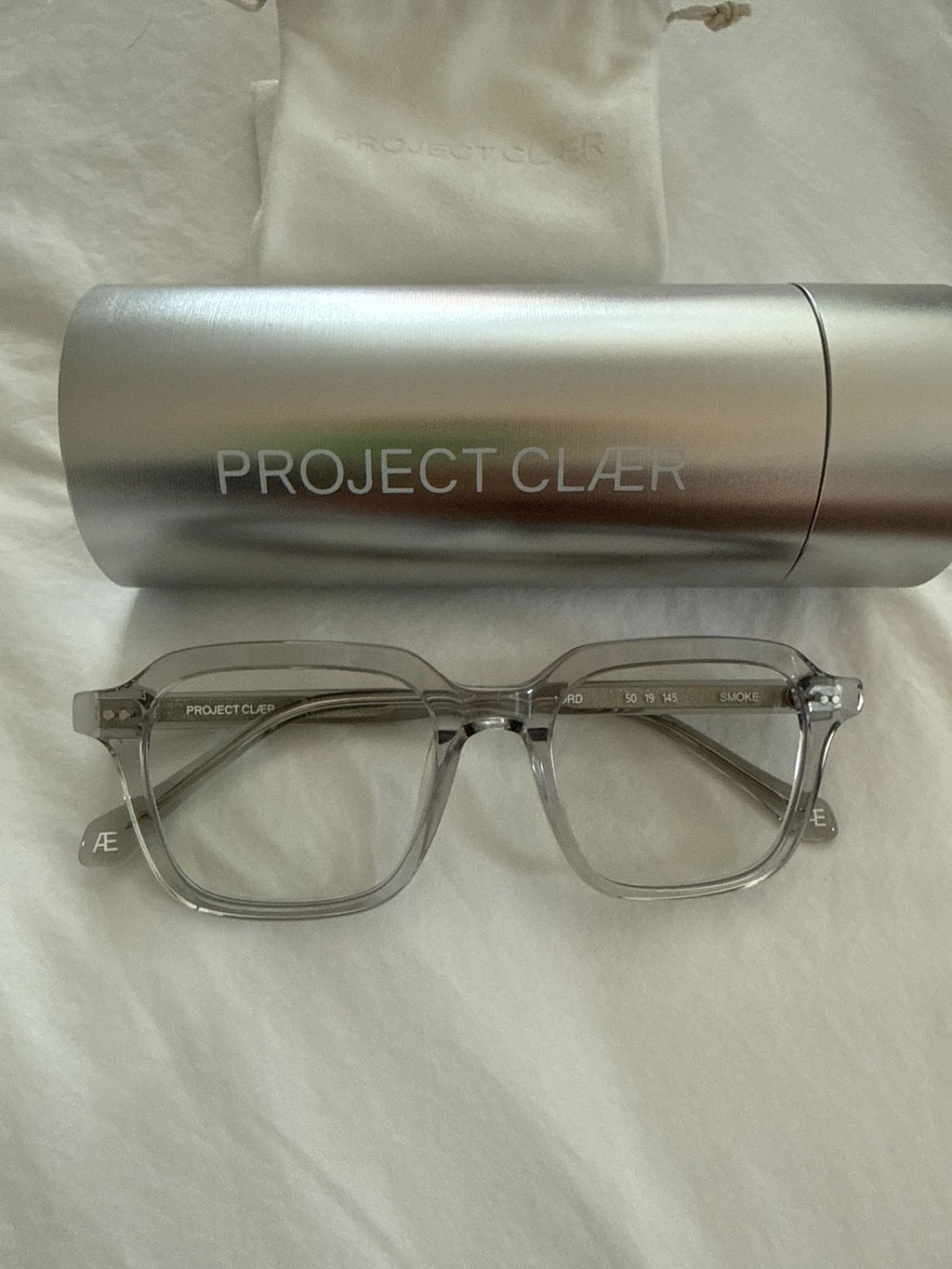
 NORD
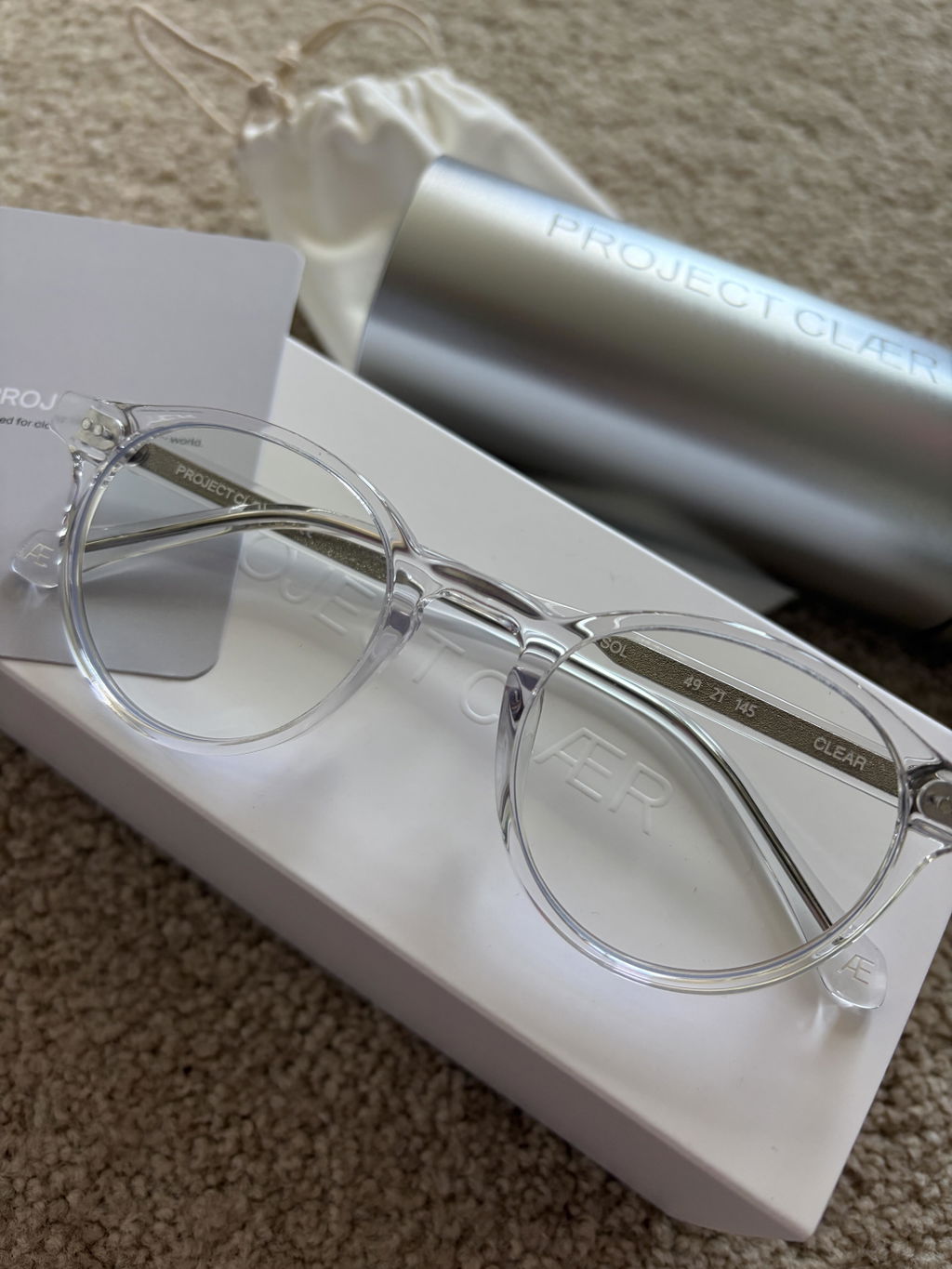
NORD SOL
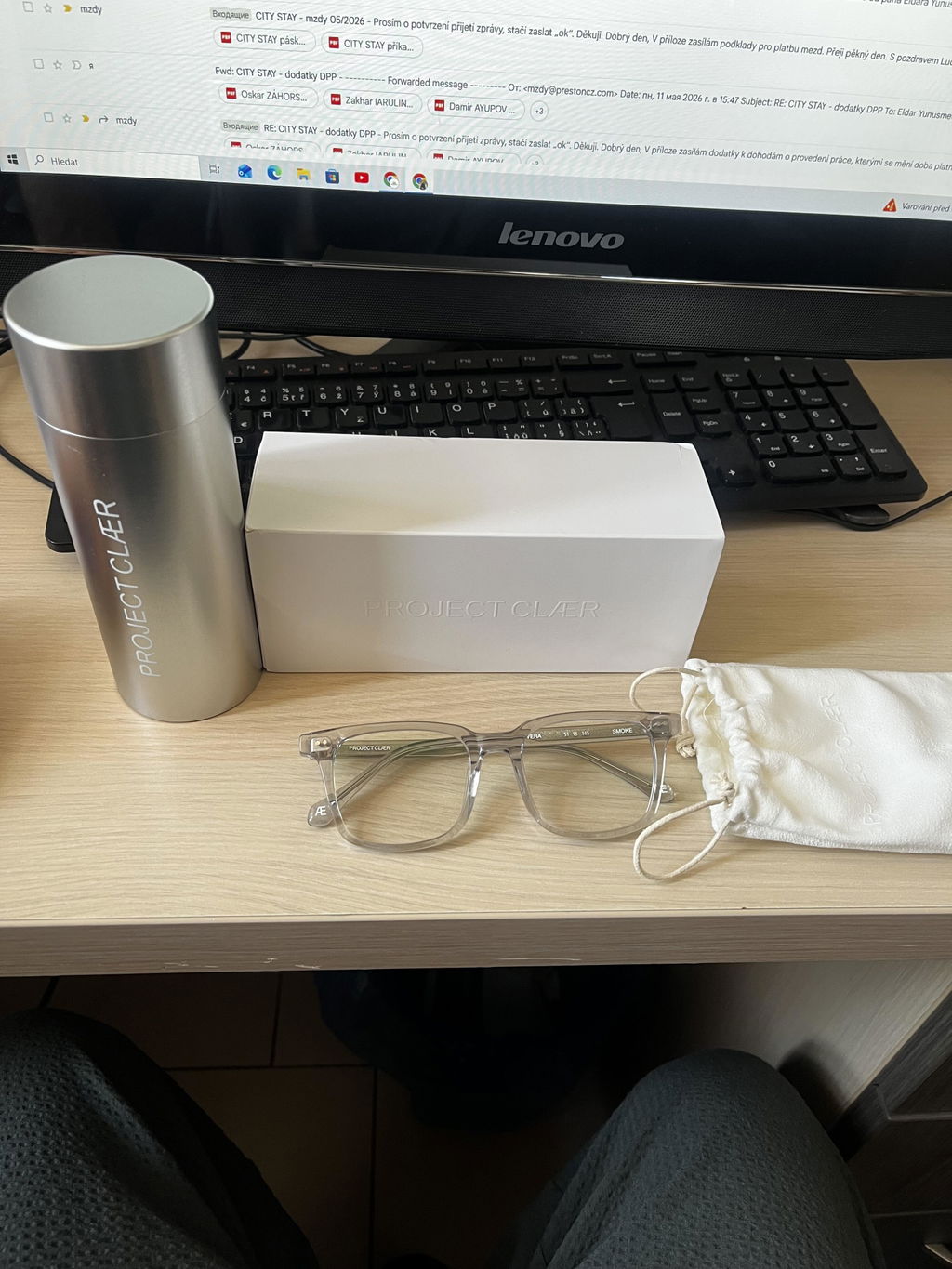
SOL VERA
VERAQuick answers for UI and UX designers
Do blue light glasses change Figma colours?
Some can. A visible yellow or amber tint can make whites warmer and alter the way cool greys, blues and other colours appear. If colour accuracy matters to your work, test the lens against an actual interface before deciding.
Are clear blue light glasses better for designers?
Not automatically. They are often a better fit for colour-sensitive work because they can produce less visible colour shift, but the lens data, optical quality, reflections and fit still matter.
Should designers look for a blue light percentage?
A single percentage can be misleading without the wavelength range behind it. A spectral transmittance curve gives you more useful information about what the lens is actually doing across the visible spectrum.
Which PROJECT CLÆR frame is best for designers?
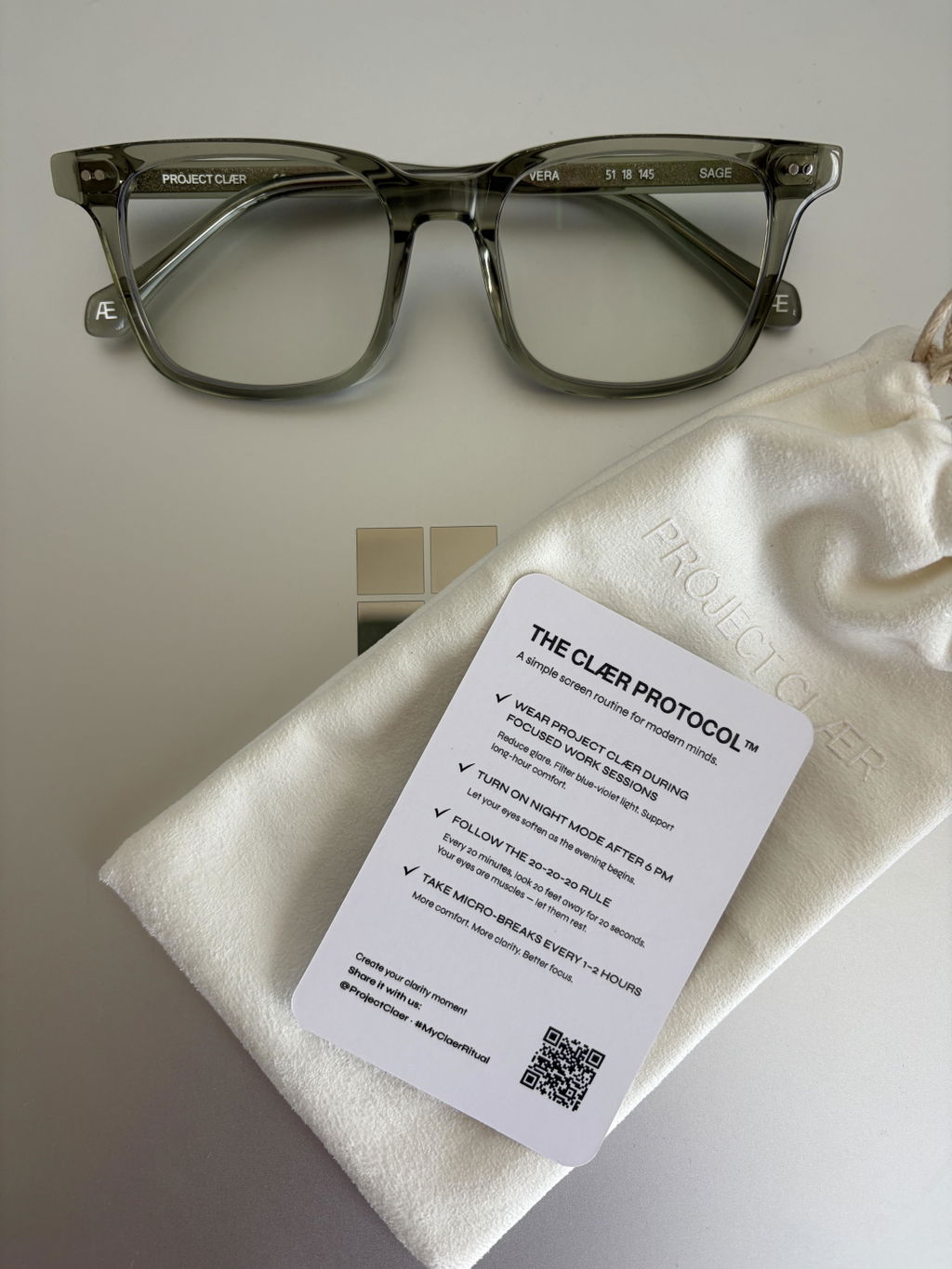
The lens system is the same across NORD, SOL and VERA, so the choice comes down to shape and fit. NORD is square and structured, SOL is round and minimal, and VERA is rectangular and refined.
— PROJECT CLÆR