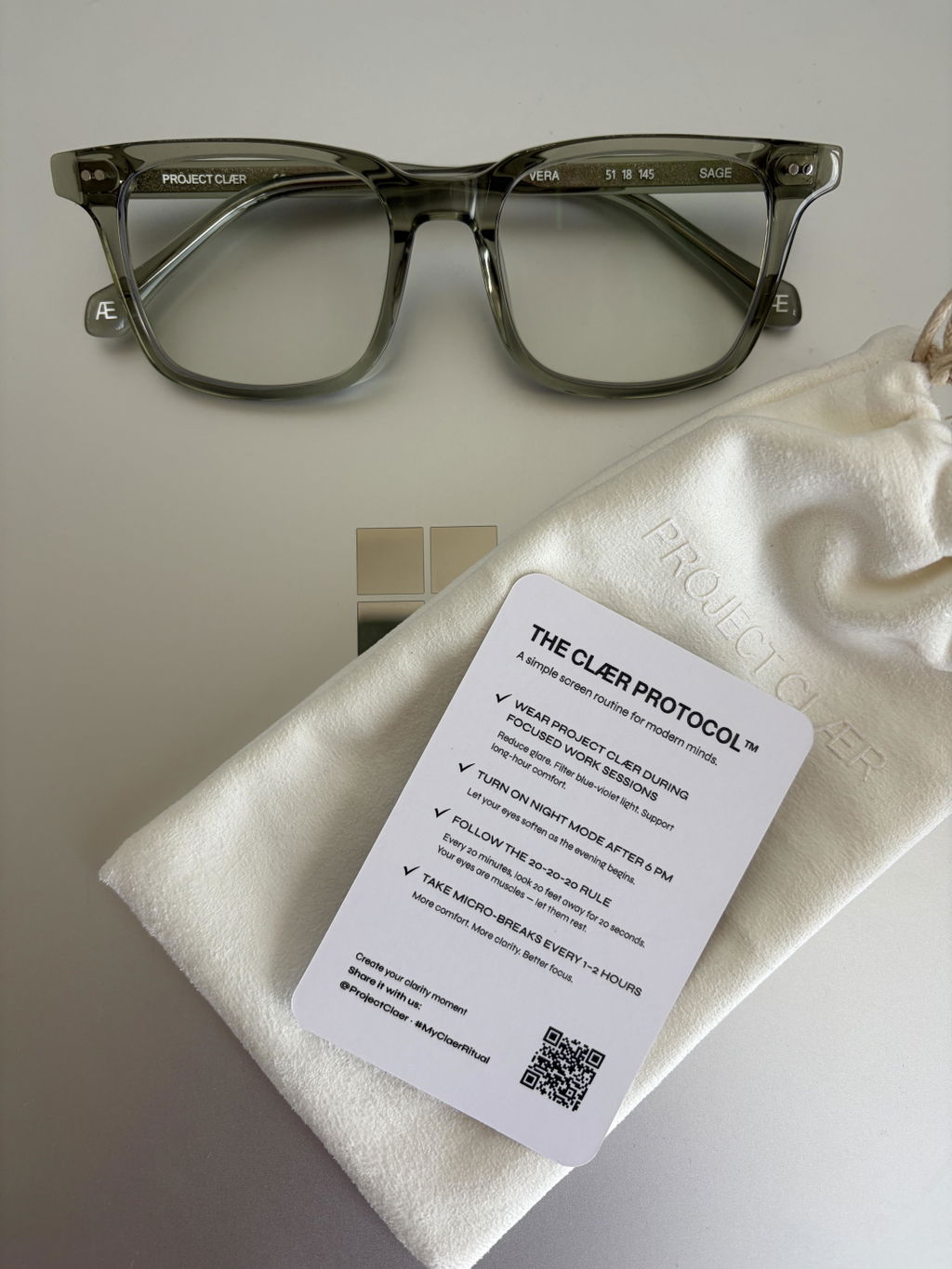
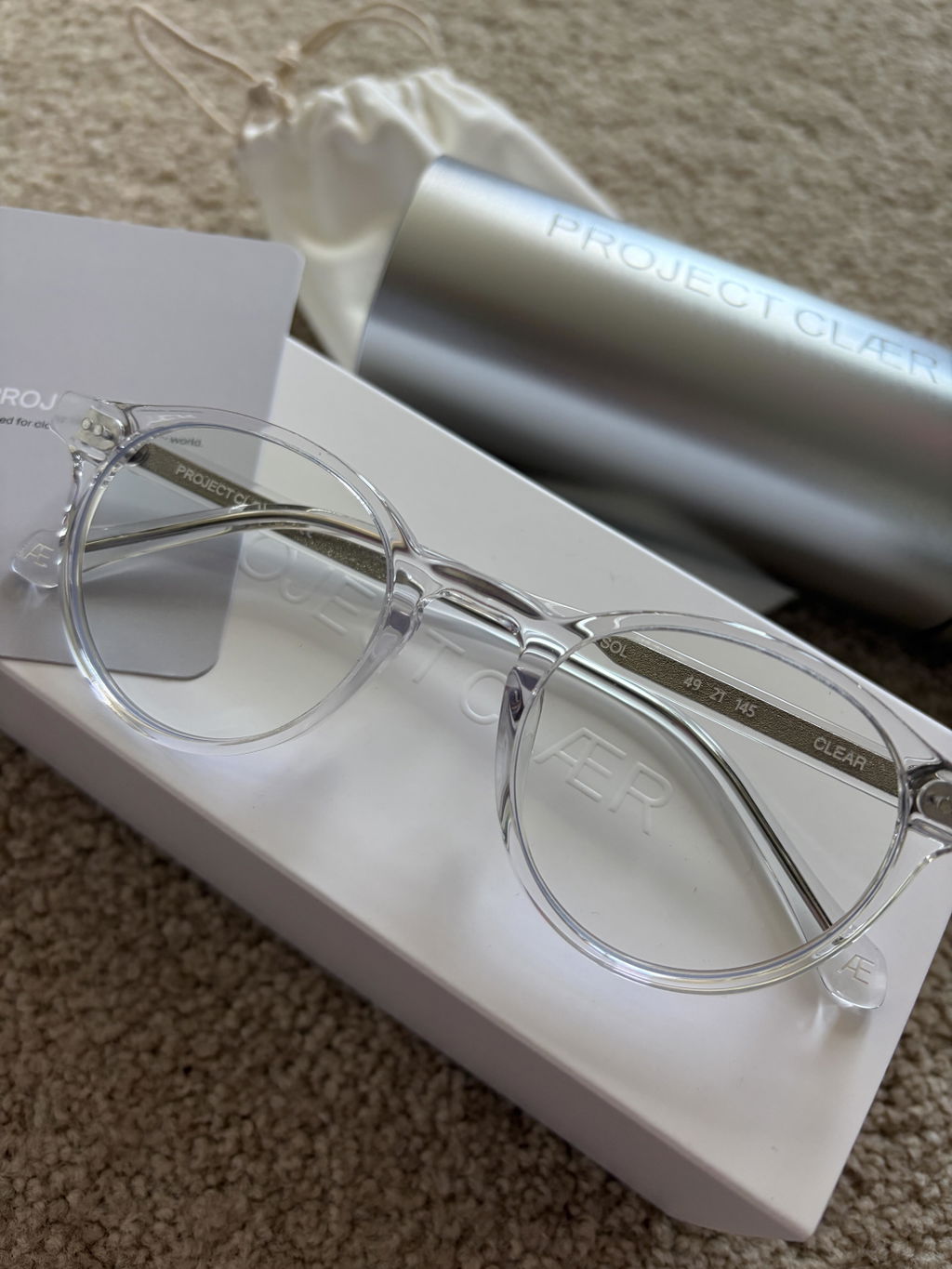
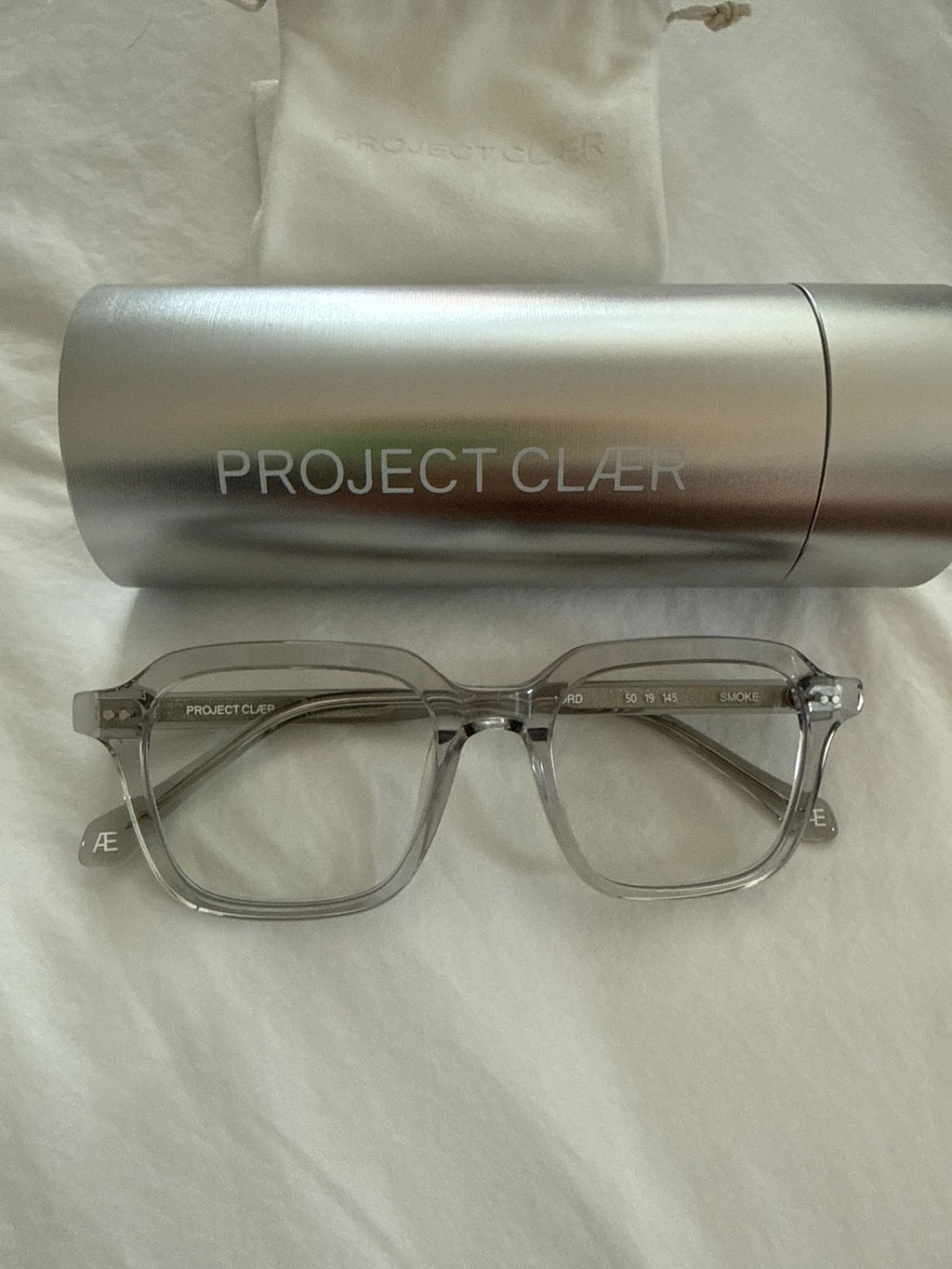
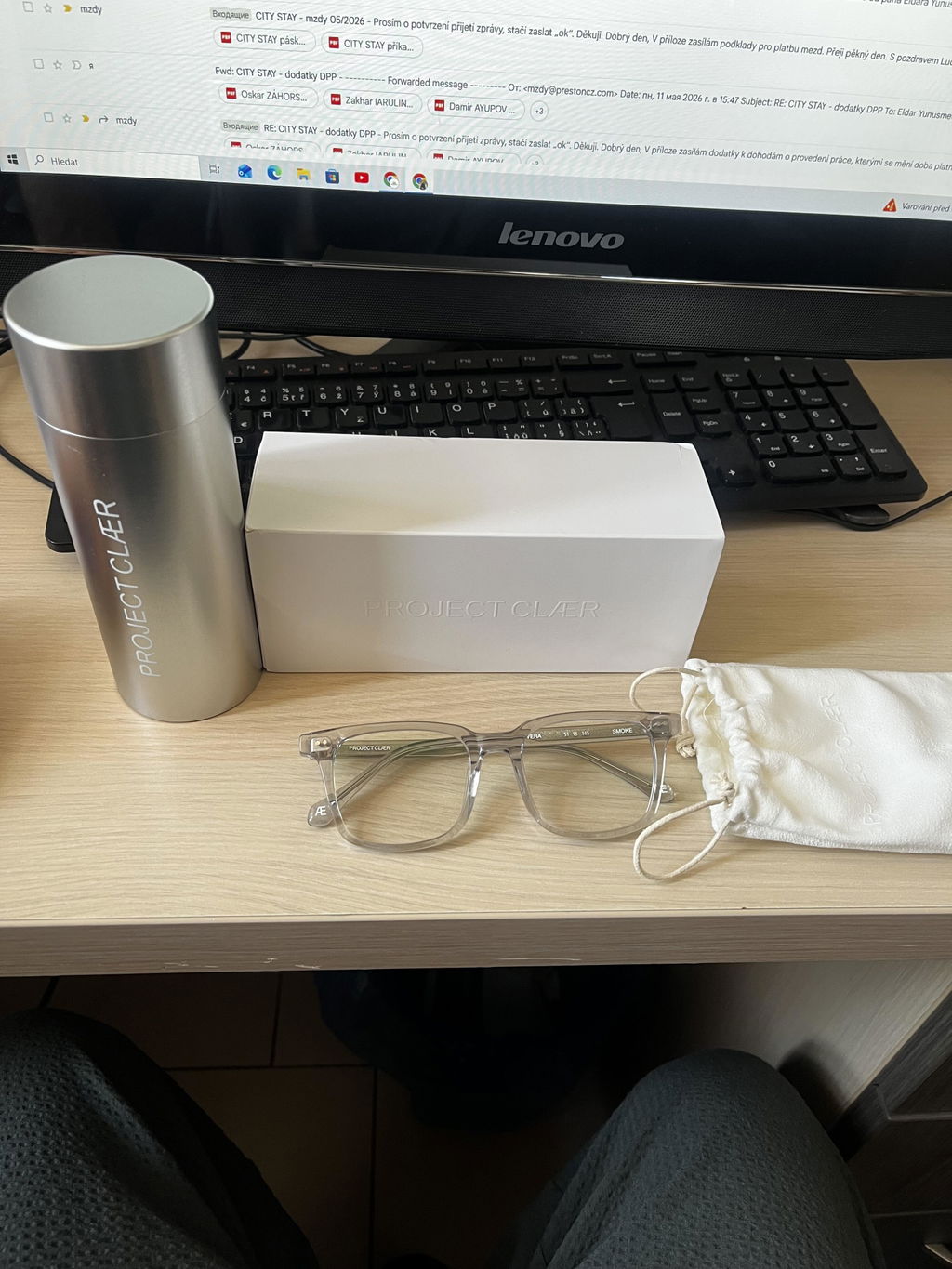
Video editors and colorists spend their working day making decisions that depend on what the screen actually looks like: skin tone, white balance, exposure, shadow detail, LUTs, matching shots and final delivery colour.
That makes blue-light glasses a more complicated choice than they are for general screen work. A lens can be comfortable to wear and still be a poor fit for colour-critical editing if it noticeably changes what you see.
Why colour grading changes the question
Yellow and amber lenses shift the visible spectrum toward warmer tones. Whites can look cream, cool greys can move warmer, and blues can lose intensity.
For logging footage, email or non-colour-sensitive tasks, that may not matter. During a grading pass, it does. If the lens changes the image, your eyes are judging a modified version of the frame rather than the display itself.
FOR COLOUR-CRITICAL VIDEO WORK
Do not grade through a colour cast you did not choose.
For editing and colour-sensitive creative work, look for eyewear that keeps the display looking as natural as possible instead of adding a heavy yellow cast.
What video editors should look for
1. Test the lens during an actual grading session
Do not rely on a product photo or a lens held against a wall. Open a real timeline and compare the display with and without the glasses. Pay attention to neutral whites, skin tones, cool shadows and saturated blues.
If the whole image becomes obviously warmer, the lens may be better suited to non-colour-critical parts of your workflow.
2. Look beyond one filtration percentage
A single percentage does not tell you how a lens behaves across the visible spectrum. A spectral transmittance curve is more useful because it shows how much light passes through at different wavelengths.
PROJECT CLÆR publishes the CLÆR SPECTRUM™ test curve on our Technology page. If you want to understand what the graph means, read our guide to reading a blue-light lens test report.
3. Separate colour-critical work from everything around it
An editor's day is not only grading. There is ingesting footage, syncing audio, organising bins, rough cutting, captions, exports, calls and client feedback.
That distinction matters because the best lens for colour grading is the one that creates the least distracting colour shift. For the rest of the day, comfort, reflections and fit may matter just as much.
4. Check reflections in your real setup
Editing suites often combine bright monitors, darker rooms and directional lighting. Reflections across the lens surface can be distracting, especially when you are looking at subtle detail for long periods.
A clean anti-reflective treatment and a frame that sits comfortably for hours are worth testing in the environment where you actually work.
Yellow lenses vs clearer-looking lenses for video editing
Yellow or amber lenses are not automatically poor lenses. They simply make a different trade-off by changing more of the visible light reaching your eyes.
For colour-critical editing, many creatives prefer a clearer-looking lens because the screen remains closer to its normal appearance. That does not make every clear blue-light lens equivalent; the actual filtration profile still matters.
For a broader explanation, read Do Blue Light Glasses Change Screen Colours?
What about Lightroom, Photoshop and still photography?
The same principle applies. If your work moves between video and stills, any eyewear used during colour decisions should be assessed for visible colour shift.
We have a separate guide for photographers and photo editors, including white balance, skin tones and photo-editing workflows.
How PROJECT CLÆR approaches colour-sensitive work
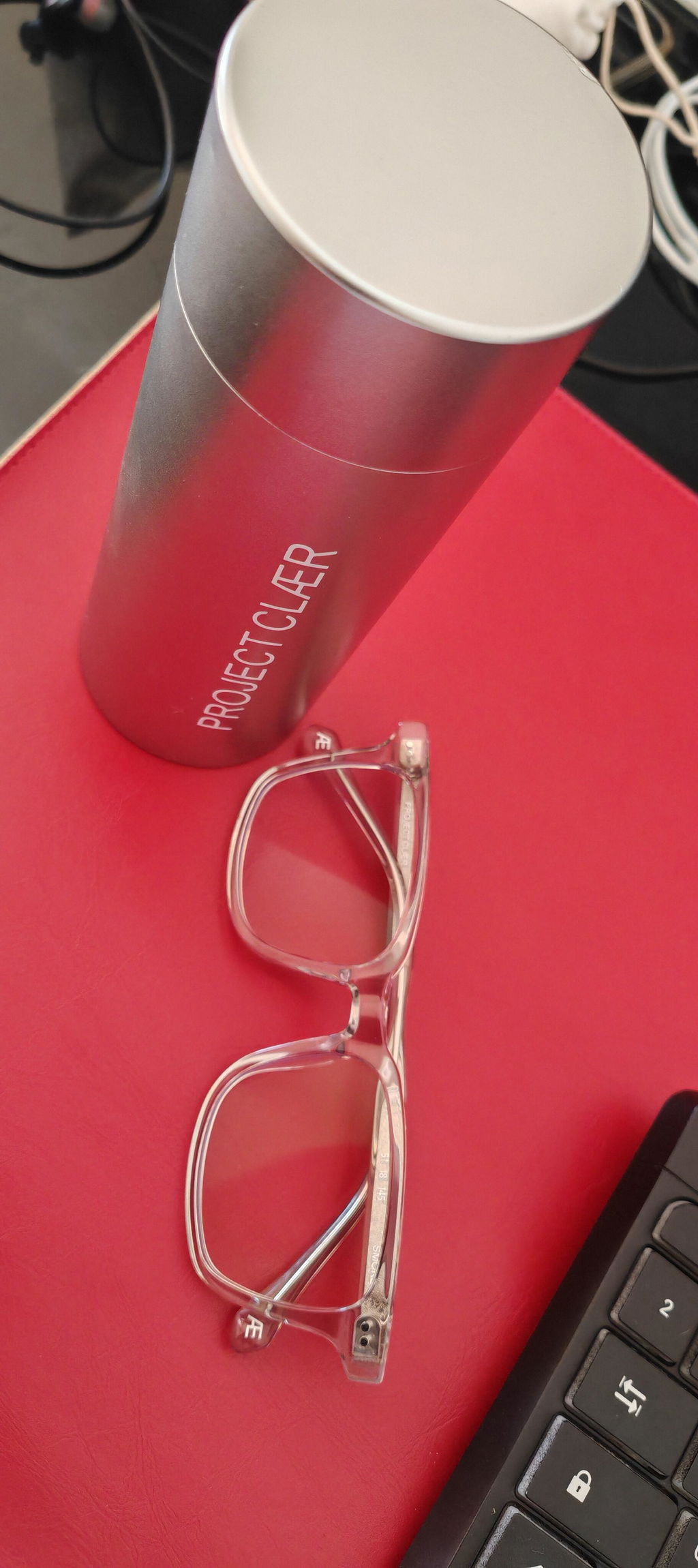
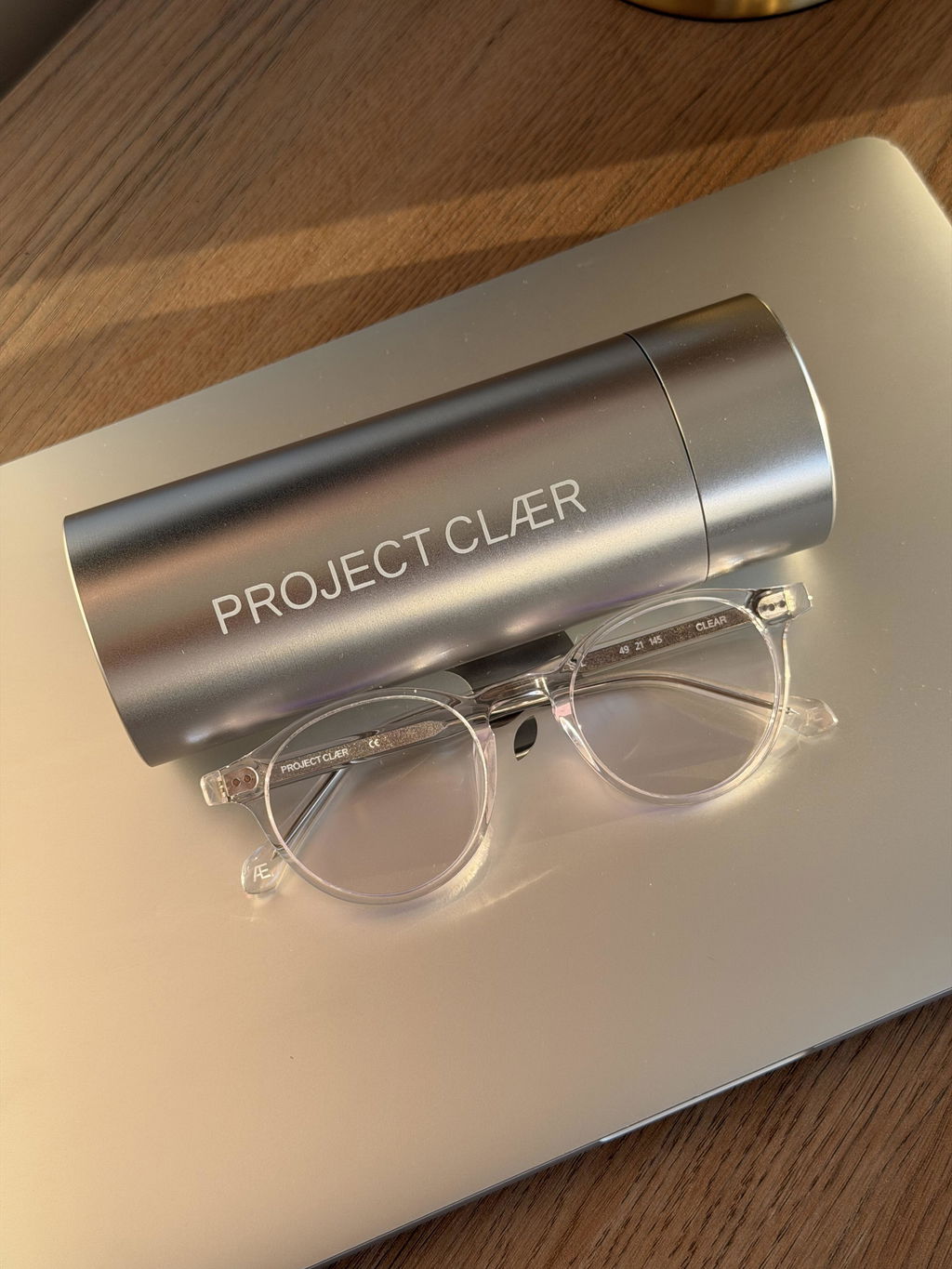
PROJECT CLÆR was built for people whose work happens on screens but who do not want eyewear that makes their screen feel visibly yellow.
CLÆR SPECTRUM™ lenses are designed for selective blue-violet filtration with more visible light transmission as the wavelength rises. The goal is a clearer-looking screen experience rather than a heavy yellow cast.
That is especially relevant for designers, photographers, editors and other creatives who spend long hours looking at colour.
Quick answers for video editors and colorists
Can I colour grade while wearing yellow blue-light glasses?
A visible yellow or amber tint changes how the image appears, so it can interfere with colour-critical judgment. Test any lens against your grading display before using it for final colour decisions.
Are clear blue-light glasses better for video editors?
They can be a better match for colour-sensitive work because they may create less visible colour shift. The actual lens data and optical quality still matter.
What should I look at when testing the glasses?
Check skin tones, neutral greys, whites, cool shadows and saturated colours with and without the lens. Use your normal calibrated or working display rather than a random test image.
Do NORD, SOL and VERA use different lenses?
No. All three PROJECT CLÆR frame shapes use the same CLÆR SPECTRUM™ lens system, so the choice comes down to frame shape and fit.
— PROJECT CLÆR